The Partnership Hub
How we scale with partners: recruit → configure offer → publish co-branded page → route traffic → track conversions & payouts—backed by scoped access and audit logs.
End-to-end partner lifecycle
Recruit & Approve
Add or invite a partner & execute terms and enable the listing.
Configure & Manage
Manage your revenue share, upload assets, define tracking tags and generate partner links.
Publish
Publish and generate a co-branded page or embeddable widget with attribution token baked in.
Route & Track
Traffic hits the published page → patients convert → conversions & payouts are attributed to the partner.
Who sees what
Partners
- View performance & conversions for their listings only.
- Access co-branded URLs and embeddable widgets.
Professionals
- Browse partner catalog and share partner pages.
- See conversions, not PHI.
Patients
- Land on secure, co-branded pages with clear pricing and next steps.
- Receive confirmations and status updates as needed.
Operations / Finance
- Audit trails for listings, links, publications, and payouts.
- Exportable payout reports with attribution tokens.
Built-in safeguards
Scoped access
Partners only see their listings and conversions; pros see performance, not PHI. Role-based controls everywhere.
Attribution tokens
Published pages & widgets carry partner-scoped tokens for deterministic conversion tracking.
Rate-limited messaging
Prevents abuse in partner inquiries and keeps threads focused on offer configuration.
Audit logging
Every edit, link, publish, conversion, and payout is stamped for compliance and finance.
Privacy-minded UI
Masked contact details where appropriate, least-privilege defaults for partner views.
Support hooks
You can open tickets tied to specific partner pages or conversions for quick resolution.
The Hub in action
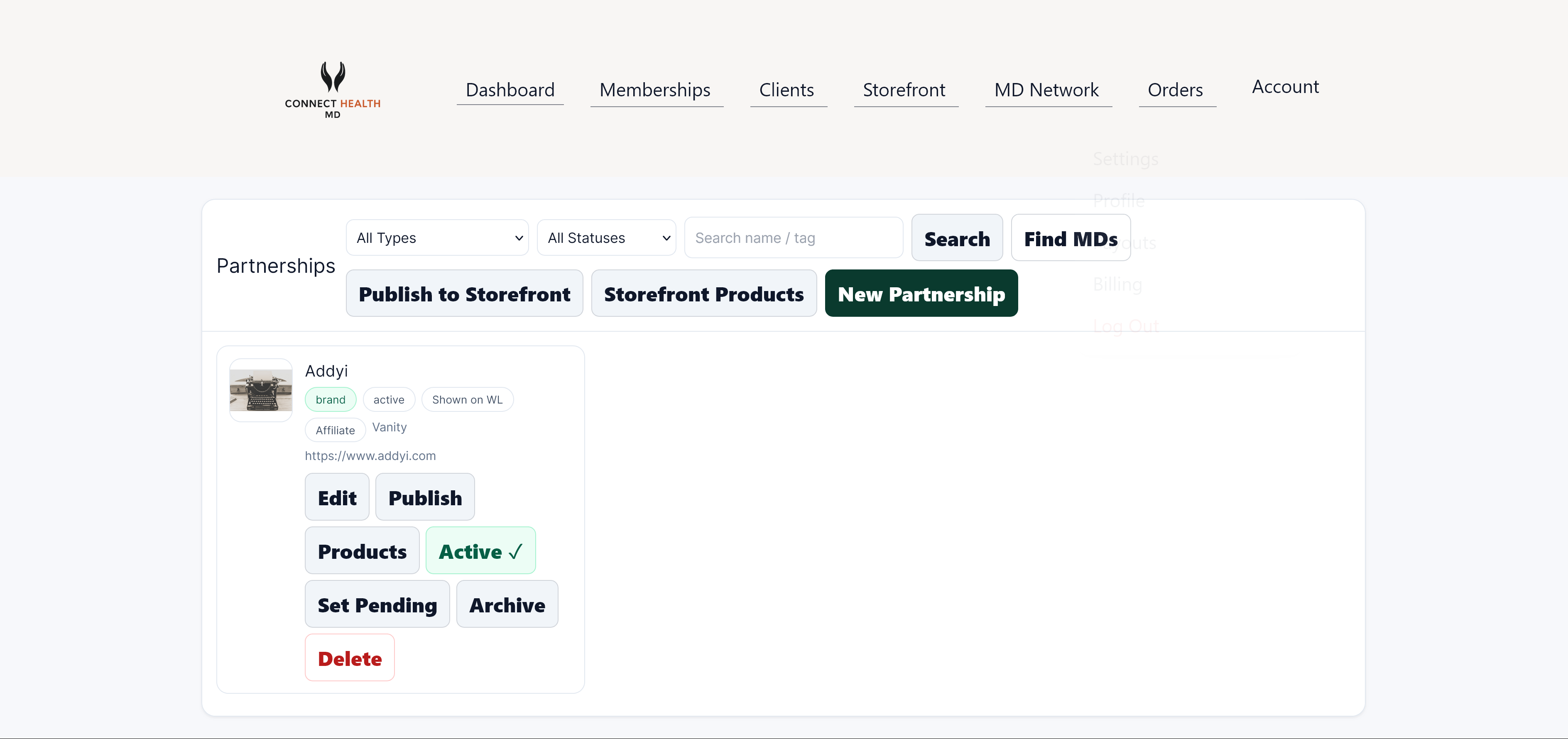
Explore, invite, and approve partners.
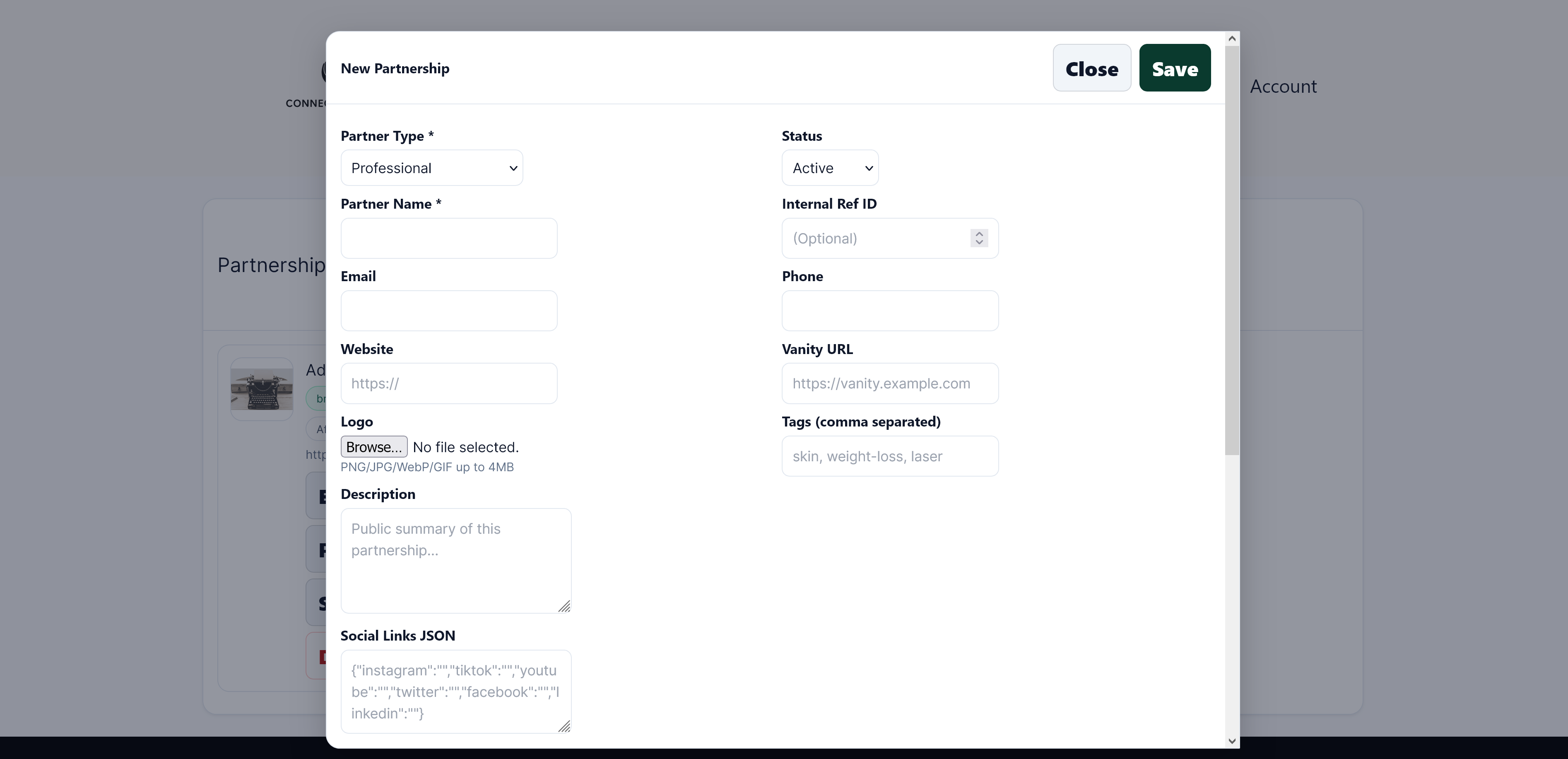
Configure share %, upload creatives, and generate links.
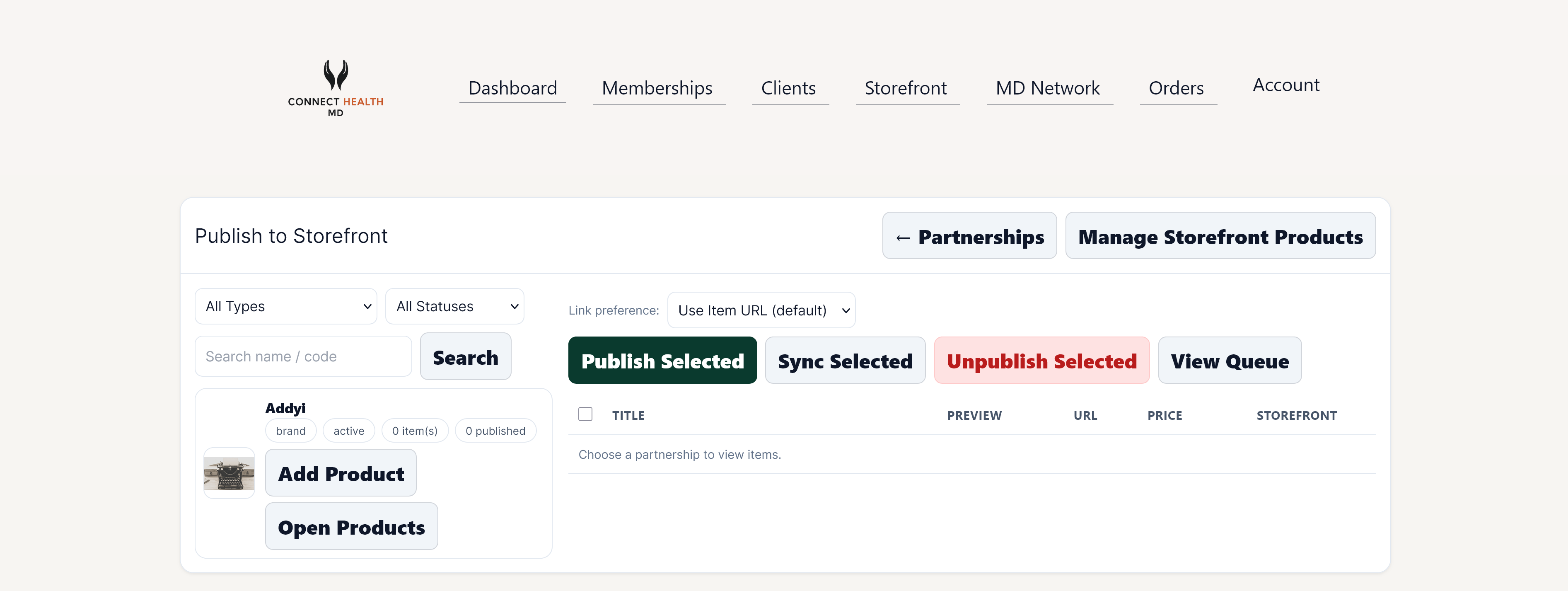
Create a public landing page or embeddable widget.
Launch co-branded growth, minus the chaos.
Ready to publish your first partner page and start tracking conversions end-to-end?